
Package contents
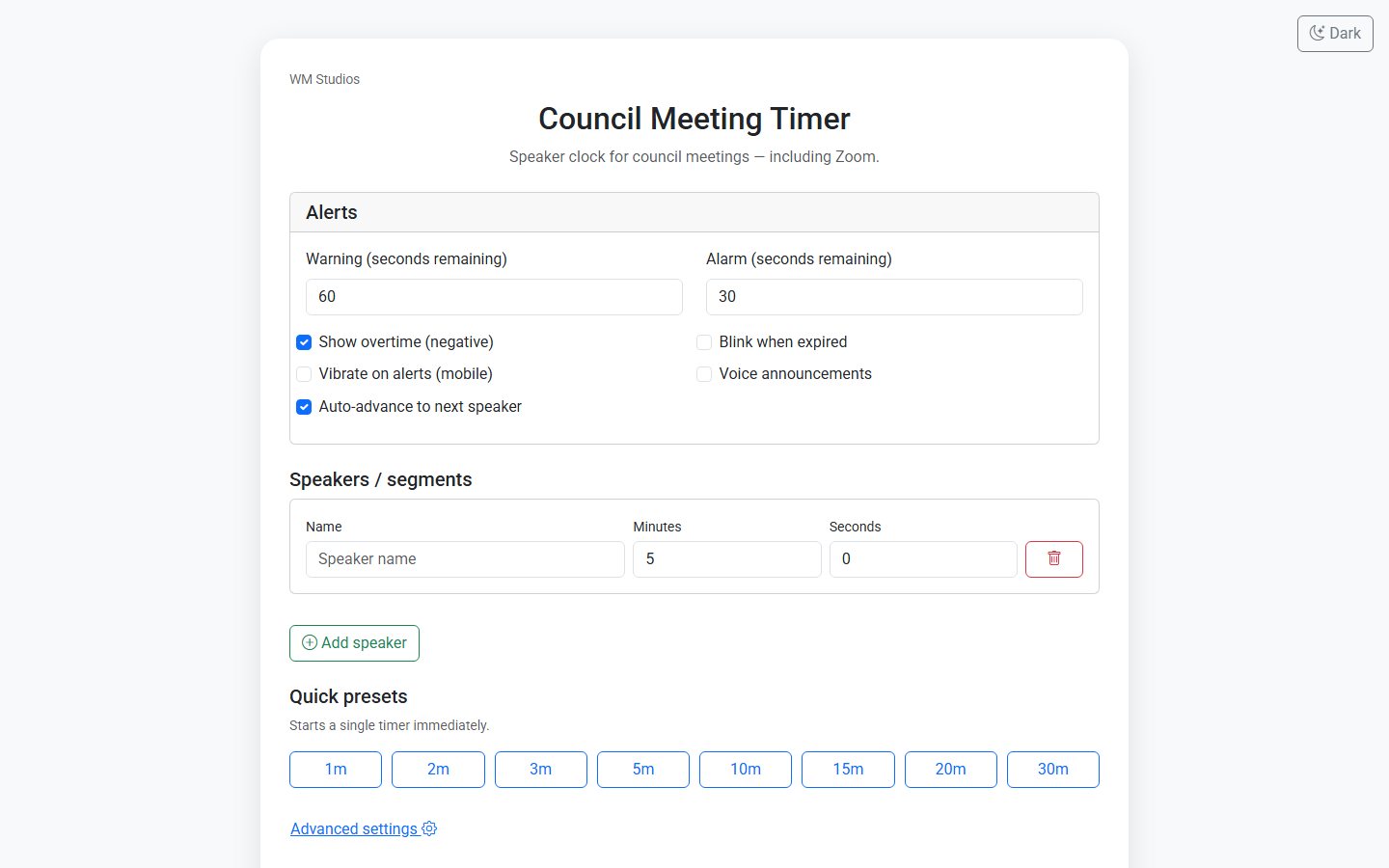
- index.html — Setup desk — speakers, presets, theme, advanced colours and beeps
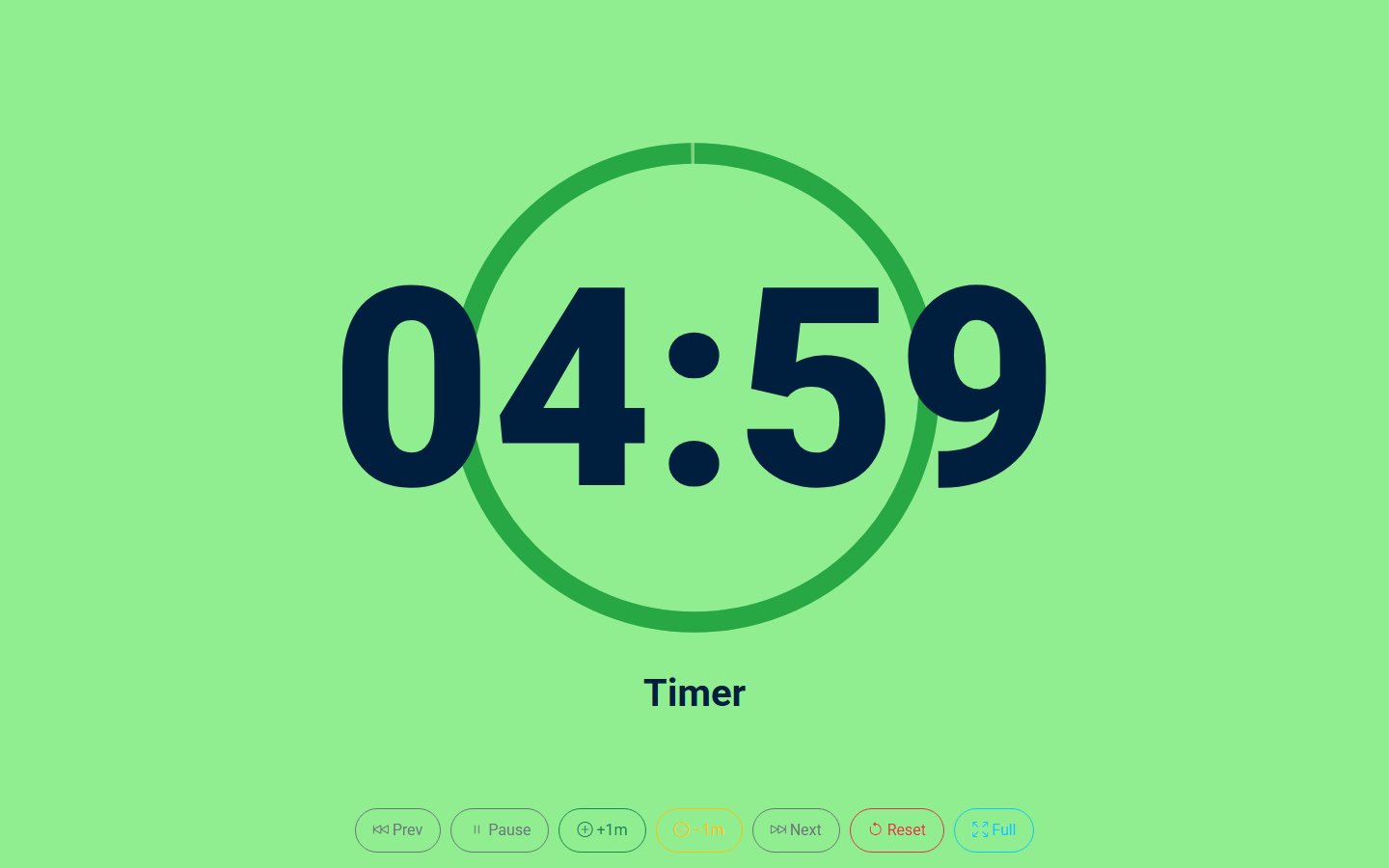
- timer.html — Simple full-screen countdown (query-string compatible, good for screen share)
Current version: 1.0.0
WM Open · Static HTML
Free speaker clock for meetings and Zoom
A free speaker timer for council meetings and virtual sessions. Multi-speaker agenda, warning and alarm colours, beeps, and a simple pop-out display you can share in Zoom. A server-side variant is available when someone in the room — a minute taker or governance officer — needs to control the clock remotely over the internet.
Requires Any modern browser · no server required · GNU General Public License version 2 or later
· Package wm-meeting-timer
Why this package?
Meetings that only need a clear speaker clock without installing an app:
The Council Meeting Timer is that clock — used in live council sessions, released free.
Capabilities
Package contents
Current version: 1.0.0
Features
Admin
Front end
Zoom, reuse & remote
Best suited for
Also available
We also offer a PHP-backed variant: one machine shows the large countdown (chamber screen, projector or Zoom share) while another person — typically a minute taker or someone in governance — starts, pauses, stops and adds a minute from a separate control page over the internet. The free zip is still the two static HTML files. Ask if you need the remote-control build hosted or installed.
Ask about remote control ↗Documentation
Two static HTML files: a setup desk (index.html) and a simple full-screen countdown (timer.html). No CMS, no database. Drop them on any web host or open locally.
Requirements
Install
Quick start
More detail
Both files stay together. timer.html reads settings from the query string so old bookmarked URLs still work.
License
GPL-2.0-or-later
This software is free software: you can redistribute it and/or modify it under the terms of the GNU General Public License as published by the Free Software Foundation; either version 2 of the License, or (at your option) any later version.
This program is distributed in the hope that it will be useful, but WITHOUT ANY WARRANTY; without even the implied warranty of MERCHANTABILITY or FITNESS FOR A PARTICULAR PURPOSE. See the GNU General Public License for more details.
A copy of the license is included in the package as LICENSE.txt.
Full text:
gnu.org · GPL v2.
Support
Questions, a branded skin, or the server-side remote-control variant: contact WM Studios. The free two-file timer stays at wmstudios.com.au/timer.
Also free from WM Open
Free Joomla 6.1 system plugin: infinite scroll, Load more, or hybrid loading on Category Blog — using Joomla’s own pagination.
View packageFree Joomla 6 comments: threaded replies, moderation, latest-comments module, guests, CAPTCHA, privacy plugin and an API.
View packageFree Joomla 6 events calendar: upcoming/past blogs, month calendar, countdown module, categories, tags and custom fields.
View packageFree Joomla 6 download manager: protected files, categories, search/sort, CSV import, Smart Search and a polished public list.
View packageFree Drupal 11/12 download manager: private files, categories, public catalogue, CSV import and a latest-downloads block.
View packageFree WordPress form builder: short alias URLs, database and/or email delivery, carbonless/ink/plain presentation, shortcode and block.
View packageFree WordPress download manager: protected storage, categories, shortcode list, hit counts, CSV import and a latest-downloads widget.
View packageSupport & custom work
Built for real production use — including document-heavy resource libraries. For support, branding tweaks or custom features, contact WM Studios.
Navigate with ↑ ↓ · Enter to open · Esc to close